
 13 min read

In this article7
- Three things you must have, and why your Vantage password is not the one you usually type
- Logging in to Vantage on MT4/MT5 step by step
- Choosing the right Vantage server — the field people get wrong most
- Troubleshooting by symptom
- Three things to check before placing a trade
- Frequently asked questions
- Conclusion
Most “I can’t log in to Vantage on MT4/MT5” cases are not wrong-password cases. The three real causes are: using the client-portal password instead of the trading password, picking the wrong server, and installing the wrong platform for the account you hold. This guide follows that order — gather three pieces of information, log in, then diagnose by symptom.
Last updated: 30 September 2026.
- The three things you must have
- Logging in to MT4/MT5 step by step
- Choosing the right Vantage server
- Troubleshooting table by symptom
- What to check once you are in
- Frequently asked questions
- Conclusion
Three things you must have, and why your Vantage password is not the one you usually type
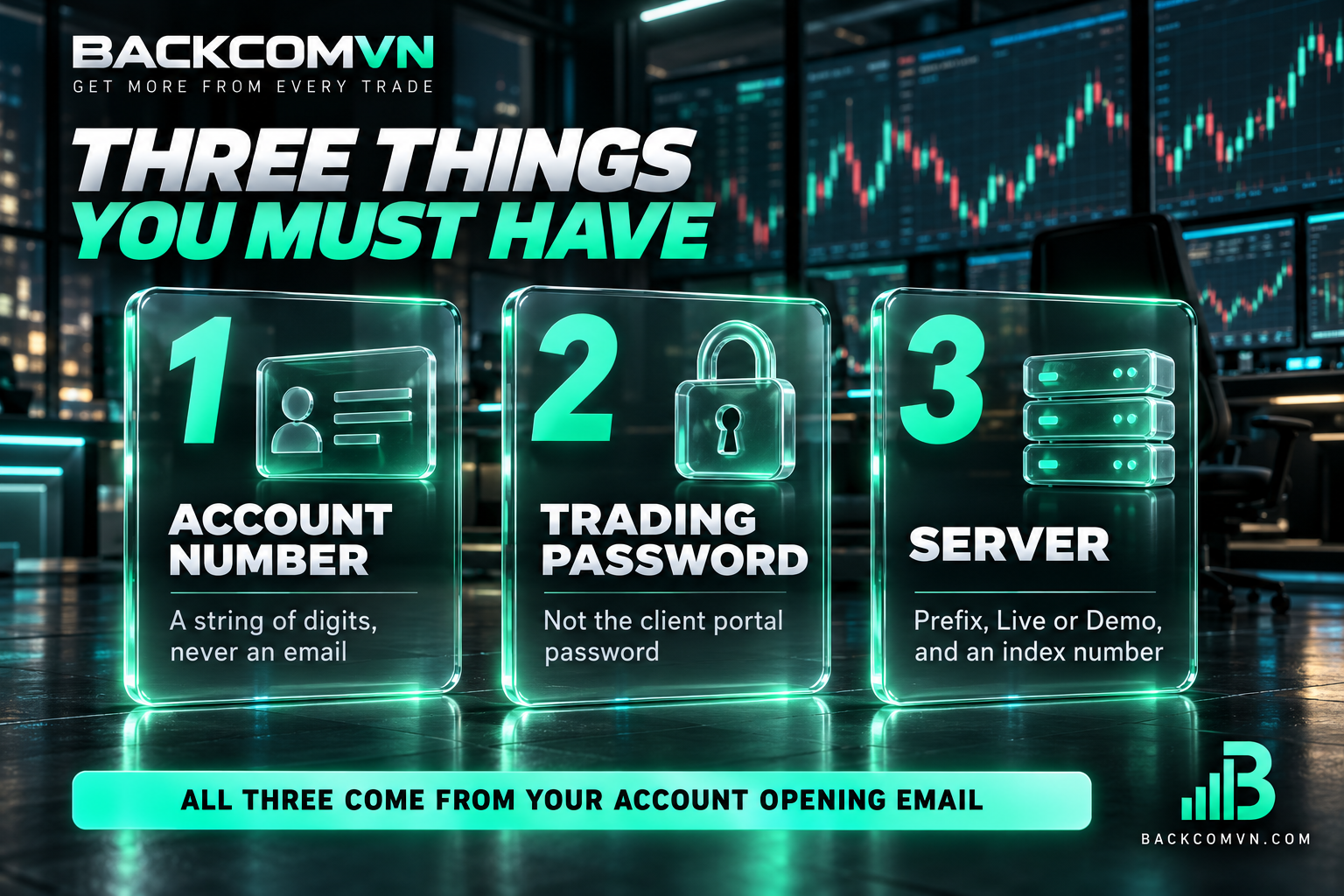
| Item | Format | Where to find it |
|---|---|---|
| Account number (Login) | A string of digits | Account-opening email or client portal |
| Trading password | Issued by the broker or set separately by you | Account-opening email; resettable in the portal |
| Server | Broker prefix plus Live/Demo and an index number | The same email, or account details |
Three kinds of password — do not mix them up
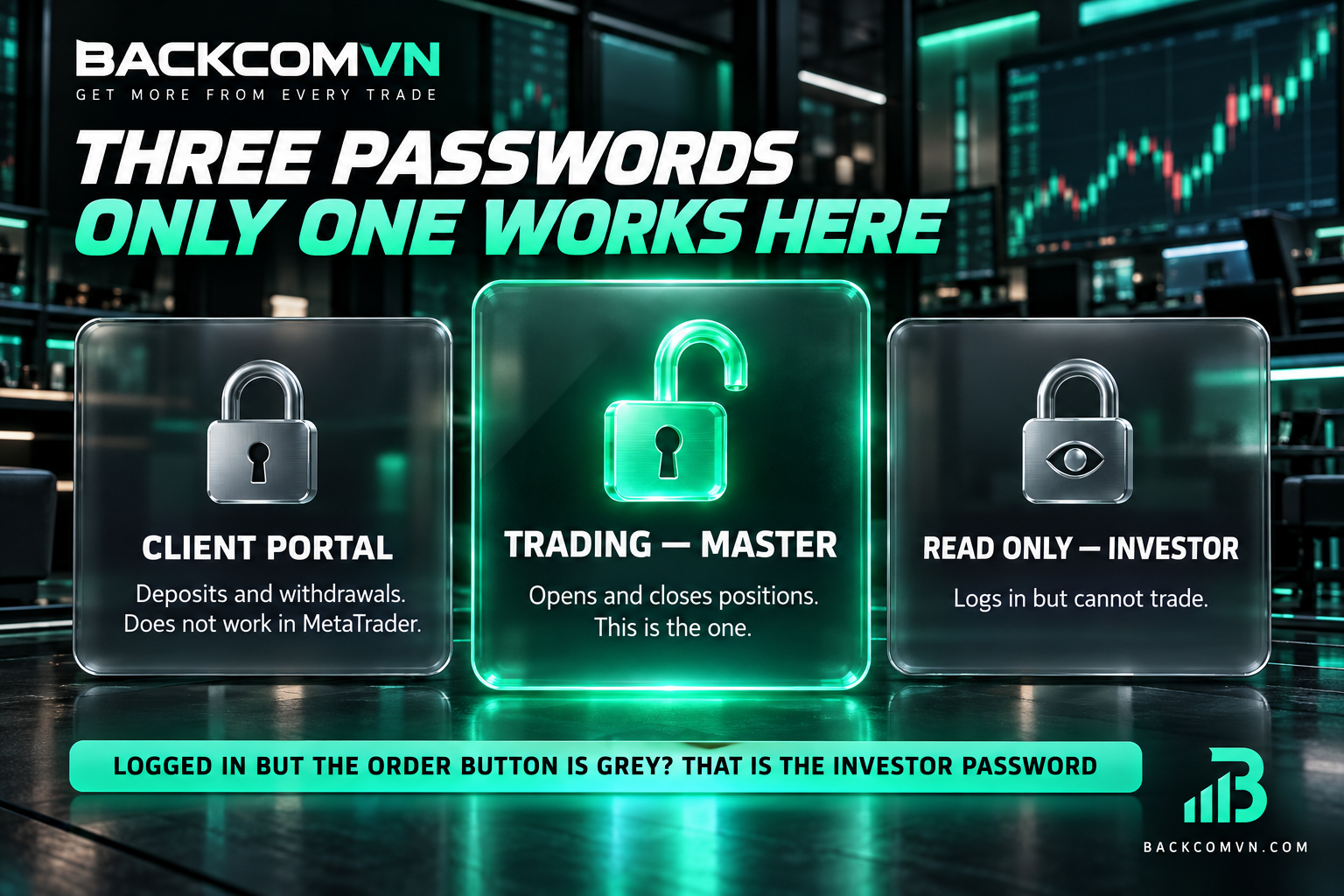
- Client portal password — for the Vantage client area where you deposit, withdraw and view history. It does not work in MetaTrader.
- Trading password (master) — for MT4/MT5, lets you open and close positions. This is the one you need.
- Read-only password (investor) — logs in but cannot trade. If you get in but the order button is greyed out, this is almost certainly what you used.
The login is digits, not an email address
MetaTrader accepts an account number, not an email. If your login field contains an email address, you will get an error even with a perfectly correct password. Email is only for the client portal.
Logging in to Vantage on MT4/MT5 step by step
- Confirm whether your account is MT4 or MT5. This is fixed when the account is created and cannot be changed by installing different software.
- Download the matching platform — from the Vantage client portal or the official MetaQuotes site, never from an unknown source.
- Open the software, go to File then Login to Trade Account (on mobile, the account management section).
- Enter the account number and the trading password.
- Type the first few characters of the server name to filter the list, then select the exact line matching your email — not one that looks close.
- Confirm. A successful connection shows a data rate in the bottom-right corner instead of a no-connection message.
How mobile differs from desktop
On mobile you must select the broker before entering the account number. If searching the brand name does not surface your server, try searching the server name instead — many servers are registered under a legal entity name rather than the familiar brand.
Choosing the right Vantage server — the field people get wrong most

A server name usually has three parts: a prefix identifying the broker or entity, a Live or Demo marker, and an index number. The index is where mistakes happen, because two servers differing by a single digit look nearly identical in a dropdown.
We deliberately do not list specific server names here: the list changes over time and by the entity serving you, so a hard-coded table would be wrong within months. The only correct source is your own account-opening email, or the account details in the client portal.
Two rules prevent errors: a live account never logs in to a demo server or vice versa; and if you hold several Vantage accounts, each may sit on a different server — do not reuse the old one out of habit.
Troubleshooting by symptom
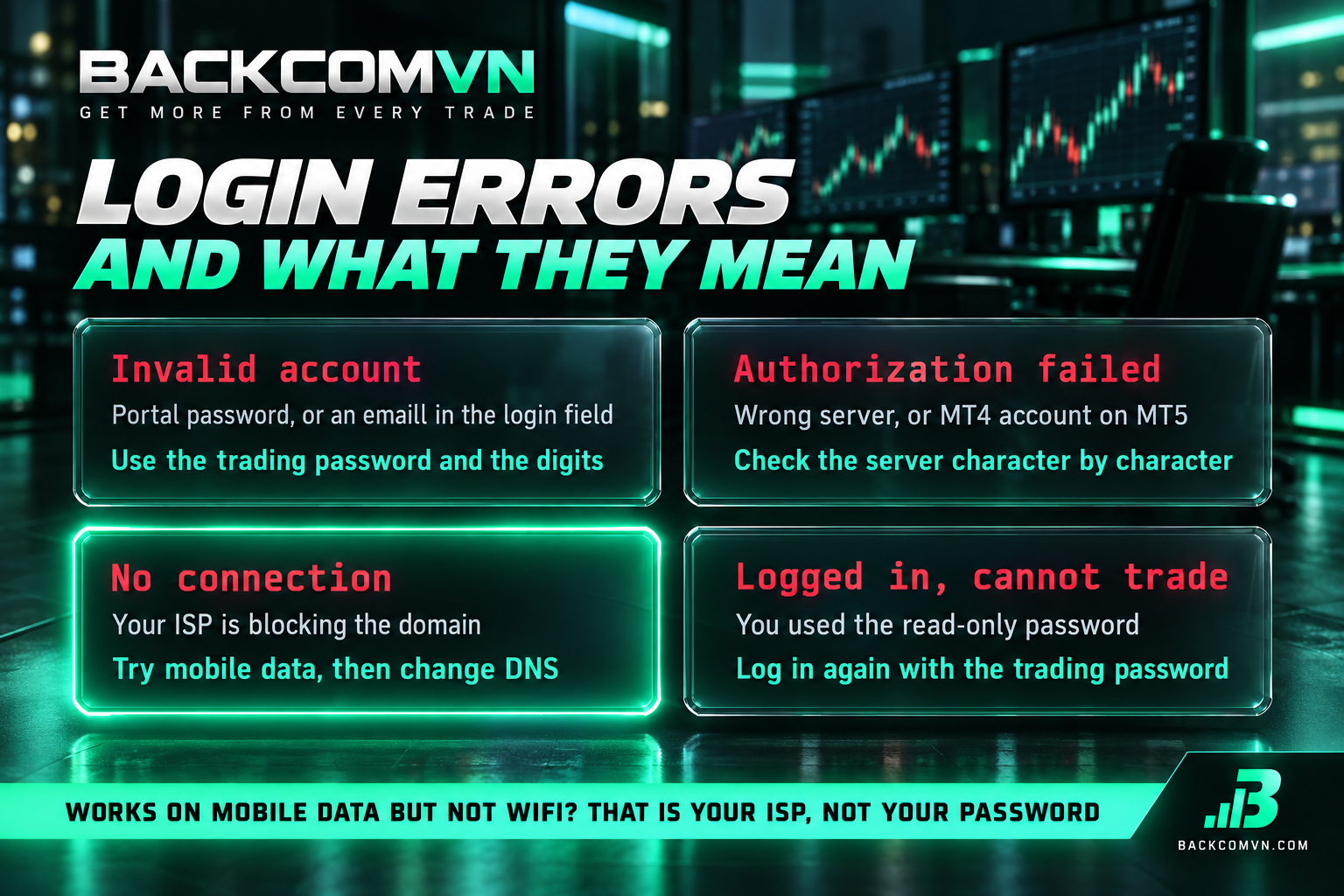
| Symptom | Usual cause | Fix |
|---|---|---|
| Invalid account error | Portal password used, or email typed in the login field | Reset the trading password in the portal; enter the digits |
| Logged in but cannot trade | Read-only password | Log in again with the trading password |
| Spins then loses connection | Wrong server, or network blocking | Re-check the server name; try mobile data |
| Works on mobile data but not wifi | ISP blocking the domain | Change DNS, see below |
| Server missing from the list | MT4 installed for an MT5 account or vice versa | Install the platform your account belongs to |
| Logged in but charts are empty | Data not loaded, or outside market hours | Wait for data; check session times |
When mobile data works and wifi does not
That pattern is characteristic of an ISP blocking the domain, not an account fault. The fix order — DNS first, other options after — is in Broker site blocked? Change DNS in 5 steps.
Candle times do not match your local clock
Not a fault. MetaTrader servers run on the broker’s own time zone, usually offset by several hours and shifting with daylight saving. How to convert, and why it moves the daily candle, is in MT4/MT5 server time versus local time.
Three things to check before placing a trade
- Right account — if you hold both live and demo, check the account number at the top before clicking anything. Trading live while believing you are on demo is a common and expensive mistake.
- Which account type — Vantage offers Standard STP without commission and RAW ECN with it. Per-lot cost differs materially; compare in Vantage: Standard STP or RAW ECN, which is genuinely cheaper.
- Position size — the lot field carries a default. Size from your risk limit instead: Position sizing from risk.
Frequently asked questions
I forgot my Vantage trading password
Reset it in the client portal under the trading account details. Make sure you reset the trading password, not the portal login password — they are separate.
Can an MT4 account log in to MT5
No. These are two separate systems, not two versions of one program. An MT4 account only works in MetaTrader 4. To use MT5 you open a separate MT5 account. Differences are covered in MT4 versus MT5.
Can I change my account’s server
Not from the user side. The server is bound to the account at creation. If you need a different configuration, the only route is opening a new account of the type you want.
Do rebates start once I log in
Rebates depend on whether the account sits under the Backcom VN partnership, not on where you log in. An account opened directly needs an IB transfer — see Transferring your IB.
Conclusion
Vantage logins fail in three places and only three: wrong password type, wrong server, wrong platform. Open your account-opening email and check each field against it — account number, trading password, server name — and nearly every case resolves in minutes without contacting support.
Current trading conditions, account types and rebate rates are on the Vantage broker page. The entity and licence review is in Vantage review: is it trustworthy.
This content is informational. It is not investment advice and not a promise of returns. Leveraged forex and CFD trading carries a high level of risk and can result in the loss of all invested capital. Broker interfaces and procedures change — check against official documentation as you go.
Related articles

How to log in to IC Markets on MT4/MT5: a beginner's guide
IC Markets runs three platforms, not two. That single fact explains most of the 'right password, still no login' reports.

How to log in to XM on MT4/MT5: a beginner's guide
MetaTrader needs a different set of credentials from your XM web login. The three things you need, how to read…

Vantage deposits and withdrawals: the same-name rule and the 50 USD minimum
Vantage states the rule other brokers let you discover the hard way: funds must be in the same account holder's…