
 The Backcom VN editorial team
20 min read
The Backcom VN editorial team
20 min read

In this article8
- What cTrader is, and why only one broker here has it
- Three differences that are real, not cosmetic
- cTrader accounts are separate from MT accounts — this is where people get stuck
- Does using cTrader change your rebate
- Who should move to cTrader, and who should stay on MetaTrader
- Three things to check on your first day
- Frequently asked questions about cTrader
- Conclusion
Of the eight brokers Backcom VN tracks, only IC Markets offers cTrader. The other seven stop at MT4 and MT5. So the question “what is cTrader” usually arrives by a very specific route: you open an IC Markets account, see three platforms in the download list, and have no idea how the third one differs from the other two. This article answers exactly that — which differences are real, which are just cosmetic, and which will cost you an afternoon if you do not know about them in advance.
Last updated: 2 October 2026.
What cTrader is, and why only one broker here has it
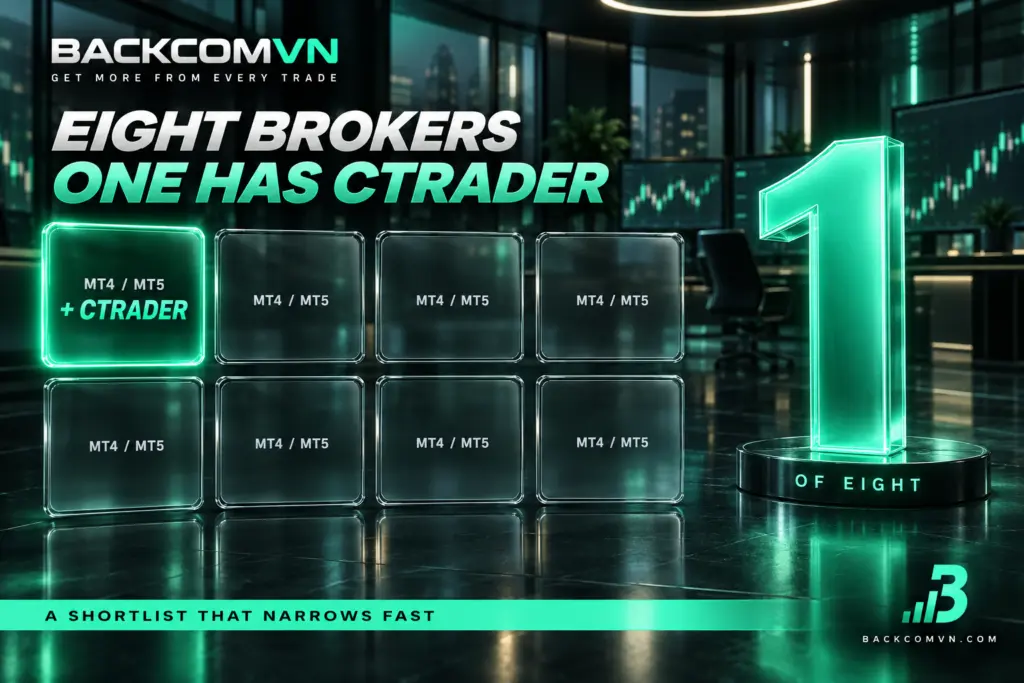
cTrader is a trading platform built by Spotware. It arrived after MetaTrader and aimed itself at ECN brokers. MT4 and MT5 are MetaQuotes products. These are three pieces of software from two different vendors, not three versions of the same thing — which explains almost every difference below.
A broker has to licence and integrate each platform separately, so none of them offers everything. Here is what the eight brokers publish:
| Broker | Platforms published | cTrader |
|---|---|---|
| IC Markets | MT4, MT5, cTrader, WebTrader, Mobile | Yes |
| Exness | MT4, MT5, WebTrader, Mobile, own platform | No |
| XM | MT4, MT5, WebTrader, Mobile | No |
| Vantage | MT4, MT5, WebTrader, Mobile | No |
| HFM | MT4, MT5, WebTrader, Mobile | No |
| EC Markets | MT4, MT5 | No |
| VT Markets | MT4, MT5 | No |
| Ultima Markets | MT4, MT5 | No |
Which means that if you already work in cTrader, your shortlist of brokers narrows fast. And if you do not, a broker having cTrader is not a reason to switch — it is one more option, in the same way TradingView is one more option for analysis.
Three differences that are real, not cosmetic
Most comparisons stop at “cTrader looks nicer and has more timeframes”. Both are true and neither changes how you trade. The three below do.
1. The order book is visible, so the spread stops being one number
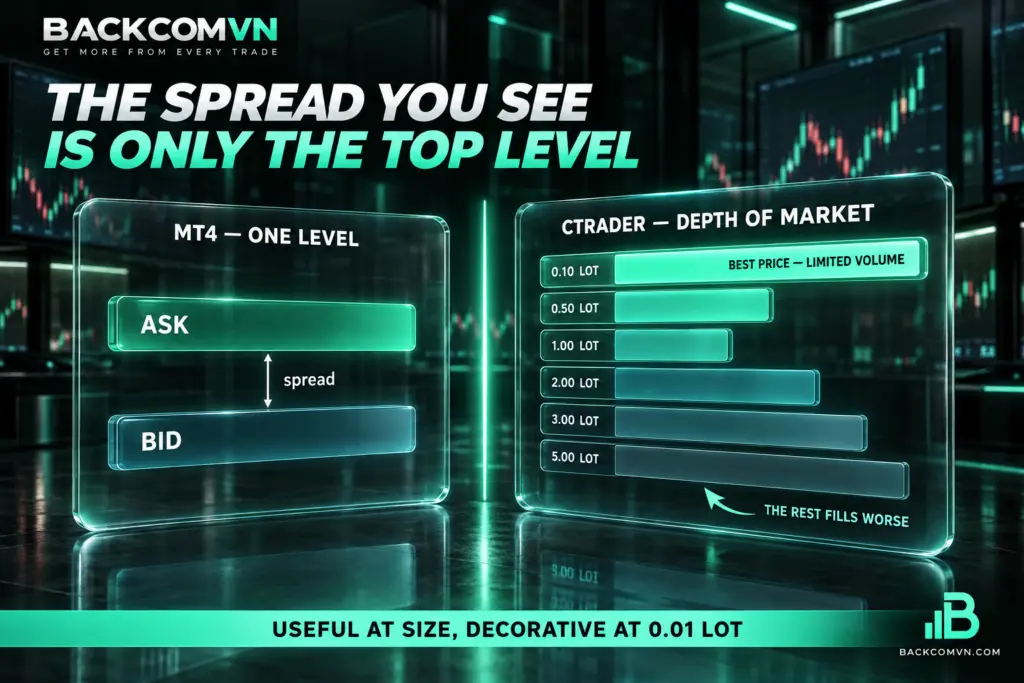
cTrader shows Depth of Market — the queue of bids and offers with the volume sitting at each price level, instead of a single Bid and a single Ask. MT4 has no equivalent; MT5 has a more limited version that depends on whether your broker enables it.
This matters because it exposes something a spread table hides: the spread you are quoted applies only to the volume available at the best price. Send an order larger than that and the remainder fills at worse levels. On MT4 you learn this after the fill, by noticing your entry is off; on cTrader you see it before you click.
On a small account trading 0.01 to 0.5 lots you will almost never reach that limit, and the order book is pretty but useless. For someone sending several lots per order, especially around news, it is a legitimate reason to use cTrader.
2. Your EA will not run — cTrader uses cBots
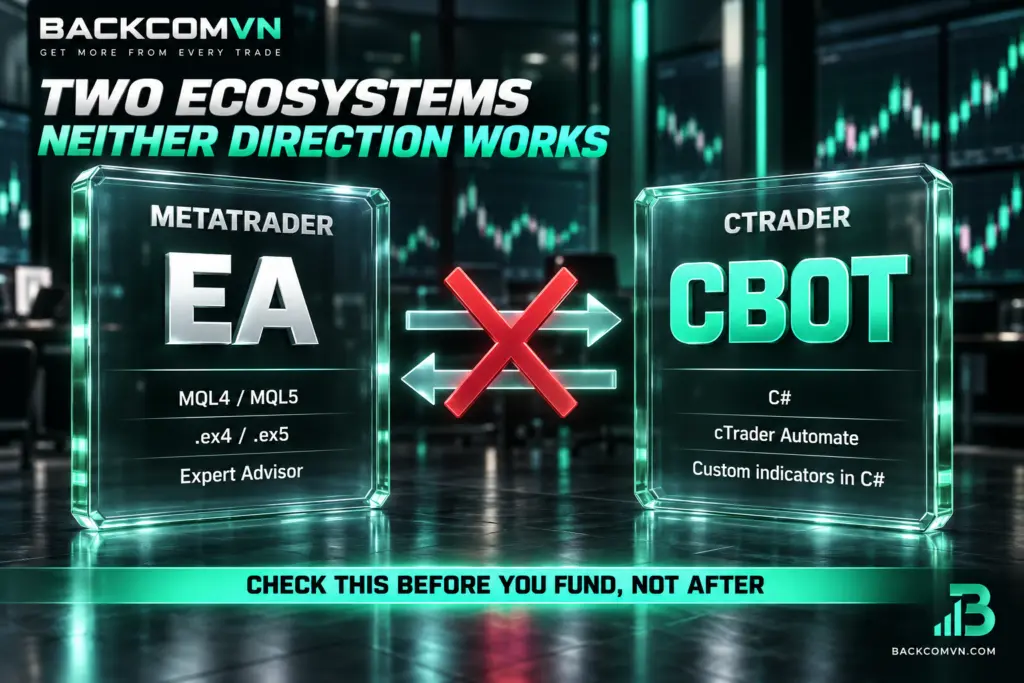
This is the difference that costs people an afternoon. An EA written for MetaTrader is an .ex4 or .ex5 file compiled from MQL. cTrader runs cBots, written in C#. The two ecosystems are not compatible in either direction:
| Item | MT4/MT5 | cTrader |
|---|---|---|
| Name | EA (Expert Advisor) | cBot |
| Language | MQL4 / MQL5 | C# |
| Custom indicators | Custom Indicator (MQL) | Custom Indicator (C#) |
| Copying the other platform’s file in | Does not run | Does not run |
The practical consequence: the free and paid robot market is overwhelmingly MQL, because MetaTrader has been around longer and sits at more brokers. If your strategy depends on a specific EA you have already bought, moving to cTrader means abandoning it or paying to have it rewritten. Check this before you decide, not after you fund the account.
The reverse is also true: if you write your own code and know C#, cBots are far more pleasant than MQL. That group gets the clearest benefit from cTrader.
3. How trade costs are calculated and displayed
cTrader breaks commission out as its own line and shows it while the position is still open, so the full cost of a trade is readable in place. MT4 aggregates differently and usually sends you to the history tab. Neither platform charges more than the other — same account, same costs — but how easily you can read the cost differs, and that affects whether you control it.
If you are not used to working this out yourself, how to cost a forex trade in full goes through each component. cTrader only helps you read it faster; it does not replace understanding the arithmetic.
cTrader accounts are separate from MT accounts — this is where people get stuck
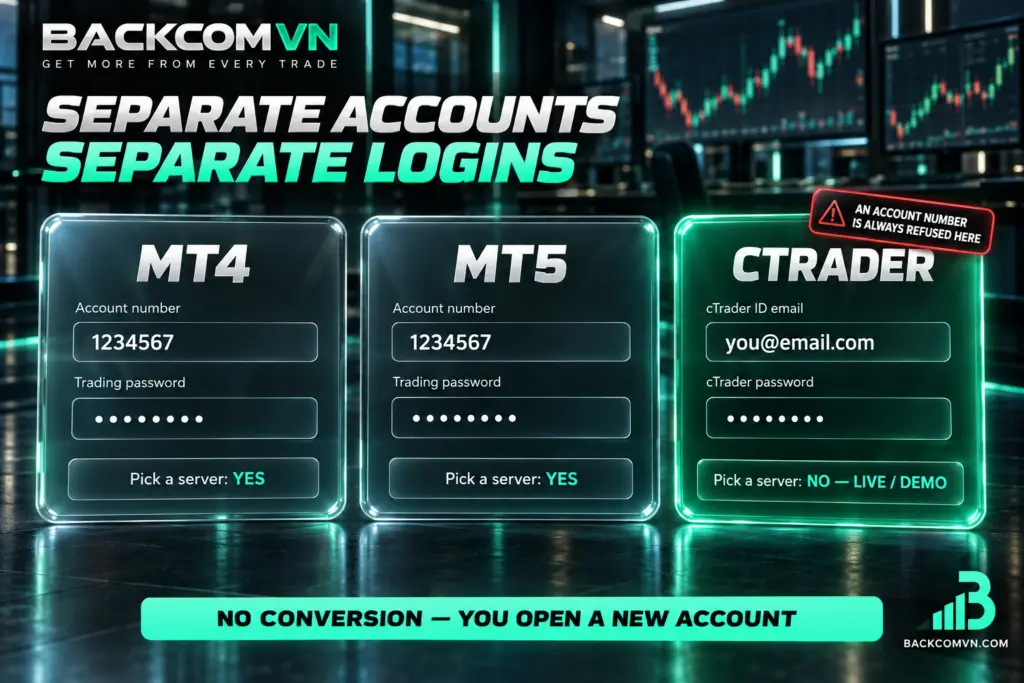
An account opened for MT4 cannot reach MT5, and neither can reach cTrader. This is not a fault; it is how IC Markets organises accounts. The login itself works differently too:
| Platform | You log in with | Pick a server |
|---|---|---|
| MT4 | Account number + trading password | Yes |
| MT5 | Account number + trading password | Yes |
| cTrader | Email + cTrader ID password | No, pick Live or Demo |
So typing an MT account number into the cTrader login will never work, however correct the password — the field is waiting for an email address. Conversely, a cTrader ID is not a trading account: one ID can hold several accounts, and you choose between them after you are in.
To use cTrader when your current account was opened for MetaTrader, you have to open an additional cTrader account in the client area — there is no conversion. The remaining login failures, including picking the wrong MT server, are covered in how to log in to IC Markets on MT4/MT5.
Does using cTrader change your rebate
No. A rebate is calculated from the volume you traded and the account type you hold, not from the software you placed the order in. On the same Raw Spread account, an order sent from MT5 and an order sent from cTrader earn the same amount per lot.
What does matter is which account type you opened, and at IC Markets the gap between types is wide. The IC Markets rebate article has the full table. One thing to watch: opening a cTrader account means opening a new account, so check it is the account type you wanted and that it is attributed to the right referral path. Otherwise the new account may earn nothing even while the old one keeps running normally.
Who should move to cTrader, and who should stay on MetaTrader
Moving makes sense if you are in one of these groups:
- You send large orders and want to see the book before you click.
- You write your own code and know C# — cBots will be quicker than learning MQL from scratch.
- You want commission and costs on the order window rather than in the history tab.
- You find MT4 cramped with many charts open at once.
Stay on MetaTrader if:
- You run a purchased EA, or one someone else wrote in MQL.
- You rent a VPS with MetaTrader already configured and do not want to redo it.
- You might change broker in the near future — the other seven here have no cTrader.
- You are starting out. Adding an unfamiliar platform while you are still learning lots and pips just slows you down.
One note on how to frame the question: cTrader will not make your strategy better and will not make your costs lower. It changes the quality of the information you see before you click. If you are not yet using everything MT4 already gives you, changing platform solves nothing.
Three things to check on your first day
If you have decided to try it, do these three before placing a real order:
- Reconcile the instrument symbols. Pair names and suffixes can differ between two platforms at the same broker. Do not assume XAUUSD here is XAUUSD there with the same contract size — open the instrument specification and read it. How to read a currency pair symbol covers the notation.
- Check server time. Candles close on server time, not yours, and the offset can differ from the MetaTrader you are used to. See MT4/MT5 server time versus your local time.
- Place the smallest possible order and close it immediately. The point is not to make money but to read three lines: entry price, commission, and swap if any. It is the fastest way to confirm you are reading the platform’s cost display correctly.
Frequently asked questions about cTrader
Does cTrader cost anything to use?
The platform is provided by the broker, and you pay nothing separately to download and use it. Your trading costs are still spread, commission and swap according to your account type — exactly as when using MT4 or MT5 on that same account.
I bought an EA. Will it run on cTrader?
Not if it was written for MetaTrader. .ex4 and .ex5 files do not run on cTrader and there is no reliable automatic conversion. You need a cBot in C# that does the same job, which means a rewrite or finding an equivalent.
Can my MT5 account be converted to cTrader?
No. You open a new cTrader account in the same client area and transfer funds internally if needed. The old MT5 account keeps its history and remains usable alongside it.
Why is my account number rejected at the cTrader login?
Because cTrader authenticates with your cTrader ID email, not an account number. The field expects an email address, so a seven or eight digit number will always be refused. Once you are in by email, you pick the trading account from a list.
Should a beginner learn cTrader or MT4 first?
MT4 or MT5, because seven of the eight brokers here only have MetaTrader — that skill transfers if you change broker. Learn cTrader once you have a concrete reason, such as needing the order book or writing a cBot. The comparison between the two MetaTrader versions is in MT4 versus MT5.
Conclusion
cTrader differs from MT4/MT5 in three substantive ways: it shows the order book, it runs cBots in C# instead of EAs in MQL, and it displays trade costs more clearly. cTrader accounts are separate from MetaTrader accounts, authenticate by email rather than account number, and cannot be converted from an existing account.
Rebates do not depend on the platform, so do not pick cTrader expecting a higher one. Pick it if you need the order book or you write C#; stay on MetaTrader if you run an EA, use a preconfigured VPS, or are still learning the basics. And if you do open a cTrader account, confirm it is attributed to the right referral path before you fund it.
This content is informational. It is not investment advice and not a promise of returns. Leveraged forex and CFD trading carries a high level of risk and can result in the loss of all invested capital. Platform availability, features and account-opening procedures can change — verify them in your own client area before acting.
The Backcom VN editorial team
The Backcom VN editorial team tracks forex trading costs: the fee schedules, rebate levels and licences of eight brokers, together with the market figures that feed into the cost of each trade. Every number we publish carries a public source and the date it was accessed, so you can check it yourself.
Related articles

How to log in to IC Markets on MT4/MT5: a beginner's guide
IC Markets runs three platforms, not two. That single fact explains most of the 'right password, still no login' reports.

How to log in to HFM on MT4/MT5: a beginner's guide
HFM runs four platforms, and your account reaches only one. That, plus the Cent account's 100x balance, explains most failed…

How to log in to Vantage on MT4/MT5: a beginner's guide
Most failed Vantage logins are not wrong passwords. Three causes explain nearly all of them — and each takes a…

Free tools for traders, grouped by the job they do
The free tools worth using, grouped by task - nothing paid, and nothing that promises signals. Plus three things to…

The four forex sessions and what each one is like
The four sessions in UTC, what each is good for, and why 08:00-16:00 UTC is the most realistic window for…

Market liquidity and why it changes your costs
Liquidity sets your spread and your slippage. 20:00-22:00 UTC is the thinnest window of the day; 12:30-16:00 UTC is the…