
 The Backcom VN editorial team
20 min read
The Backcom VN editorial team
20 min read

In this article9
- Four platforms, and your account reaches only one
- The three fields you need, and why the HFM password is not the one you usually type
- Logging in to HFM on MT4/MT5, step by step
- Picking the right HFM server — the field people get wrong most
- A balance 100 times too big: the Cent account story
- Login troubleshooting by symptom
- Once you are in, check three things before trading
- Frequently asked questions about logging in to HFM
- Conclusion
HFM runs more platforms than most brokers in its peer group — MT4, MT5, HFM WebTrader and the HFM App — so the first question when a login fails is not “is my password wrong” but “which platform is my account on”. This article follows that order, then covers something unique to HFM among this group: Cent accounts display a balance 100 times the money you actually deposited, which leads a lot of people to think they have logged into somebody else’s account.
Last updated: 2 October 2026.
Four platforms, and your account reaches only one
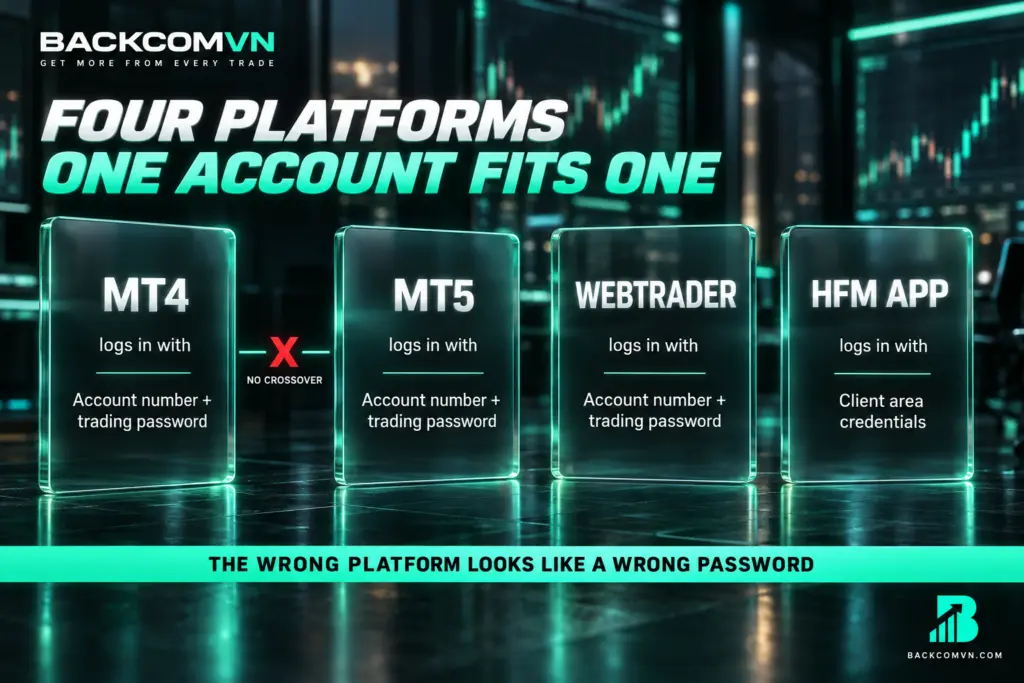
HFM gives you four places to trade, but they do not share one account in the way you might assume:
| Platform | You log in with | Note |
|---|---|---|
| MetaTrader 4 | Account number + trading password | Only accounts opened for MT4 |
| MetaTrader 5 | Account number + trading password | Only accounts opened for MT5 |
| HFM WebTrader | Account number + trading password | Runs in the browser, nothing to install |
| HFM App | Client area credentials | Account management, not your main order screen |
The thing to remember: an account opened for MT4 cannot log in to MT5, and vice versa. These are two separate systems, not two versions of the same software, and the error you get for using the wrong one looks identical to a wrong-password error — which is why people keep resetting the password and getting nowhere. The differences between the two platforms are in MT4 versus MT5.
Fastest way to check: open your account-opening email or the HFM client area — each account states its platform. If you need a different one, the only route is to open an additional account for that platform; there is no conversion.
The three fields you need, and why the HFM password is not the one you usually type
| Field | What it looks like | Where to find it |
|---|---|---|
| Account number (Login) | A string of digits | Account-opening email or client area |
| Trading password | Its own string, different from your client area password | Account-opening email; can be reset |
| Server | A broker prefix plus Live/Demo and a number | That same email |
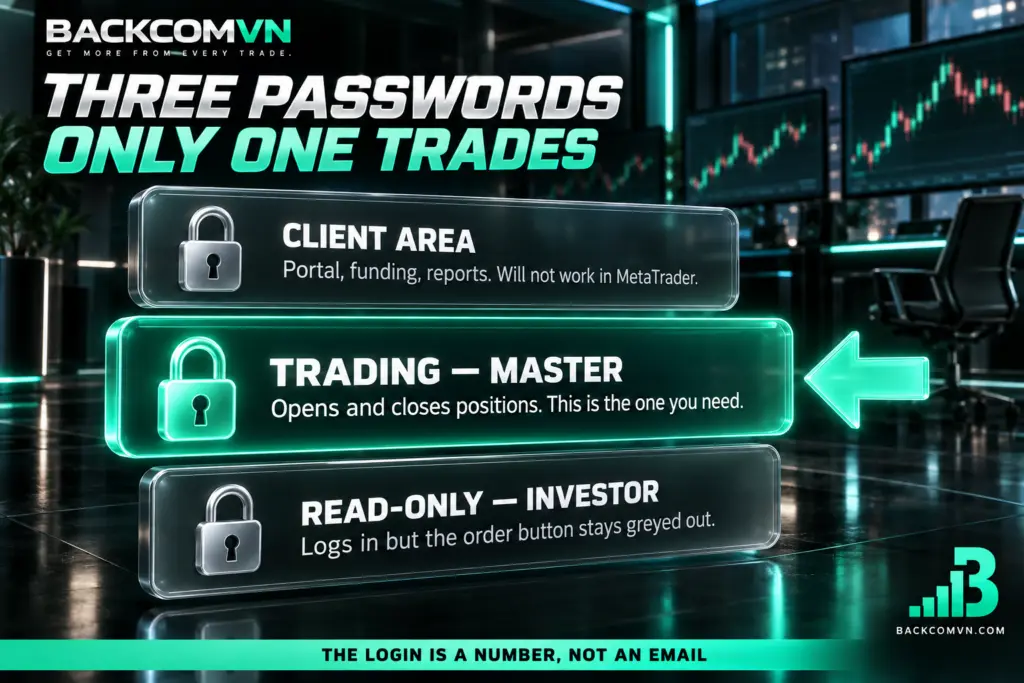
Three kinds of password — do not mix them up
- Client area password — for the management portal, funding, reports. It will not work in MetaTrader.
- Trading password (master) — for MT4/MT5/WebTrader, and it can open and close positions. This is the one you need.
- Read-only password (investor) — logs in but cannot trade. The tell: login succeeds but the order button is greyed out.
The login is a number, not an email
MetaTrader takes the account number, not an email address. Email is only for the client area and the HFM App. If the login field contains an email, you will get an error even with a perfectly correct password.
Logging in to HFM on MT4/MT5, step by step
- Confirm which platform your account belongs to — see the table at the top. Skipping this step wastes more time than anything else.
- Install the matching software, downloaded from the HFM client area or MetaQuotes’ official site, never from an unfamiliar source.
- Open it and go to File then Login to Trade Account. On mobile, go to account management and add an account.
- Enter the account number and the trading password.
- Type the first few characters of the server name to filter the list, then select the exact line matching your email — pay attention to the number at the end.
- Confirm. You are connected when the bottom-right corner shows a data rate instead of a no-connection message.
How mobile differs from desktop
In the mobile app you pick the broker before entering the account number. If typing the brand name does not surface the server you need, try typing the server name itself — many servers are registered under a legal entity name rather than the familiar brand. Note also that the HFM App and MetaTrader are two different applications.
Picking the right HFM server — the field people get wrong most
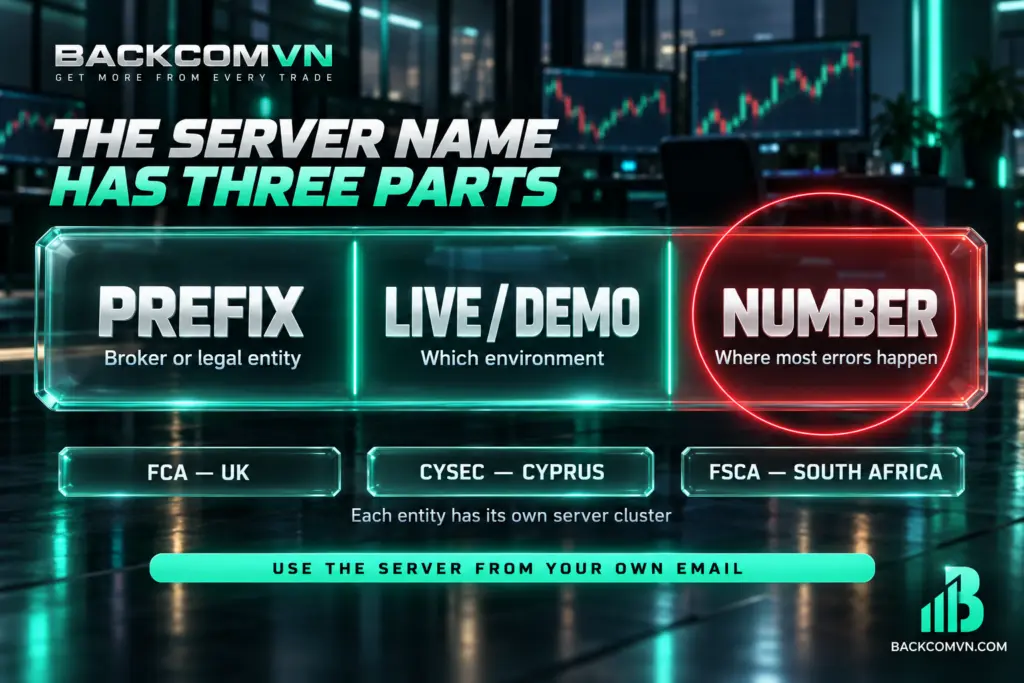
A server name has three parts: a prefix identifying the broker or entity, a Live or Demo marker, and a sequence number. That last number is where most mistakes happen, because two servers differing by a single digit look almost identical in a dropdown.
This article deliberately does not list specific server names: the list changes over time and by the entity serving you, so a hard-coded table would be wrong within months. The only correct source is your own account-opening email.
HFM publishes three licences across three jurisdictions — FCA (UK), CySEC (Cyprus) and FSCA (South Africa) — and each entity has its own server cluster. That is why someone else’s server will not work for your account even when you are both HFM clients. To find out which entity serves you, see the HFM review: three licences, and which one is yours.
A balance 100 times too big: the Cent account story
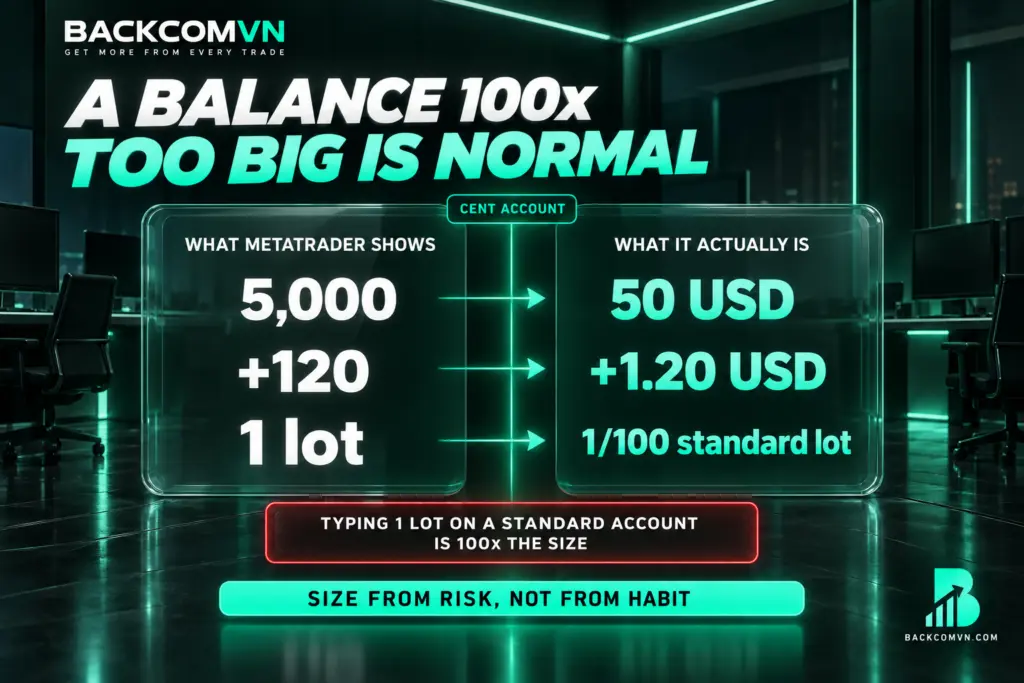
This happens at HFM and the few other brokers offering Cent accounts, and it genuinely alarms people: you deposit 50 USD, log in to MetaTrader, and the balance reads 5,000. The first thought is usually that you have landed in somebody else’s account.
Nothing is wrong. A Cent account denominates the balance in cents, not dollars. 50 USD = 5,000 cents. Every number on the platform follows that unit:
| What MetaTrader shows | What it actually is |
|---|---|
| Balance 5,000 | 50 USD |
| P&L +120 | +1.20 USD |
| 1 lot | One hundredth of a standard lot |
The consequence matters more than the number: the risk per trade is also 100 times smaller. That is exactly what makes a Cent account useful — running real money with very small losses. It is also the trap: get used to typing “1 lot” on a Cent account, then move to a standard account and type 1 lot again, and your real size is 100 times larger. Sizing from risk rather than from habit is covered in this article.
Login troubleshooting by symptom
| Symptom | Usual cause | Fix |
|---|---|---|
| Invalid credentials though you are certain they are right | An MT4 account being used on MT5, or the reverse | Check the account’s platform, install the right software |
| Email typed into the login field | Habit from the client area or the HFM App | MetaTrader accepts only the numeric account number |
| Logged in but cannot place orders | Using the read-only password | Log in again with the trading password |
| Server not in the list | Wrong platform installed, or the server belongs to another entity | Use the server name from your own email |
| Balance 100 times larger than expected | You are on a Cent account | Normal — see the section above |
| Works on mobile data but not on wifi | Your ISP is blocking the domain | Change DNS, see below |
| Charts blank after logging in | Data not loaded yet, or outside trading hours | Wait for the download; check the session calendar |
When mobile data works and wifi does not
This symptom is almost always an ISP blocking the domain rather than an account problem. The order to work through it — DNS first, everything else after — is in can’t reach your forex broker? Change DNS in 5 steps.
Candle times do not match your clock
That is normal. MetaTrader servers run the broker’s own timezone and shift with the seasons, so daily candles do not close at your local midnight. How to convert is in MT4/MT5 server time versus your local time.
Once you are in, check three things before trading
- The right account — read the account number in the corner to be sure you are not on demo, on a Cent account, or on a different account entirely. This matters more at HFM than elsewhere, because it is easy to end up with several accounts at once.
- Which account type — HFM has Cent, Zero, Pro, Pro Plus and Premium, with three different charging structures. The same trade costs a different amount on each; the comparison is in which HFM account to choose.
- Position size — do not accept the default, and remember the lot unit on a Cent account differs from a standard one. Work it out from the risk you accept: sizing a position from the risk you accept.
Frequently asked questions about logging in to HFM
Can an MT4 account log in to MT5?
No. They are separate systems, not two versions of one program. To use MT5, open a dedicated MT5 account in the client area; the old account stays as it is.
Why is my balance 100 times what I deposited?
Because you are on a Cent account, where the balance is denominated in cents rather than dollars. Deposit 50 USD and the balance reads 5,000. Profit, loss and lot size all follow the same unit.
I forgot my HFM trading password — what now?
Reset it in the client area, under the trading account’s details. Keep it distinct from your client area login password — resetting the wrong one solves nothing.
Does HFM WebTrader need anything installed?
No, it runs in the browser. The credentials are still the account number and trading password as in MetaTrader, not your client area details.
Why doesn’t my friend’s server work for me?
Because the two of you may be with different HFM entities, and each entity has its own server cluster. Always use the server name from your own account-opening email.
Once I have logged in, does the rebate start automatically?
Rebates depend on whether the account is attributed to Backcom VN as partner, not on logging in. An account opened directly needs an IB transfer — see transferring your account to a new IB.
Conclusion
With HFM, check your account’s platform first — four platforms is more than most brokers in this group, and an MT4 account cannot reach MT5. Once that is settled, the remaining three fields are just a careful copy from your account-opening email: the numeric account number, the trading password, and the server name with the correct digit at the end.
And if the balance appears 100 times larger than what you deposited, do not panic: that is a Cent account, where every figure on the platform is denominated in cents. Current trading conditions and rebate rates are on the HFM broker page.
This content is informational. It is not investment advice and not a promise of returns. Leveraged forex and CFD trading carries a high level of risk and can result in the loss of all invested capital. Broker interfaces and procedures can change — check against the official instructions as you go.
The Backcom VN editorial team
The Backcom VN editorial team tracks forex trading costs: the fee schedules, rebate levels and licences of eight brokers, together with the market figures that feed into the cost of each trade. Every number we publish carries a public source and the date it was accessed, so you can check it yourself.
Related articles

How to log in to Vantage on MT4/MT5: a beginner's guide
Most failed Vantage logins are not wrong passwords. Three causes explain nearly all of them — and each takes a…

How to log in to IC Markets on MT4/MT5: a beginner's guide
IC Markets runs three platforms, not two. That single fact explains most of the 'right password, still no login' reports.

What cTrader is and how it differs from MT4/MT5
Only one of the eight brokers here offers cTrader. Three of its differences from MetaTrader are real; the rest is…

How to log in to XM on MT4/MT5: a beginner's guide
MetaTrader needs a different set of credentials from your XM web login. The three things you need, how to read…

Equities or forex: compare on cost and hours, not on returns
Vietnam's stock market trades 09:00-15:00 local, squarely inside working hours. Forex runs 24/5 but with a far more complicated cost…

How forex and crypto differ: leverage, fees, hours and regulation
The two get lumped together because both trade around the clock with leverage. But the fee model, the volatility and…